

The terms CMYK and RGB are used a lot in the printing and graphics world, and it's important to understand the difference.
What is CMYK?
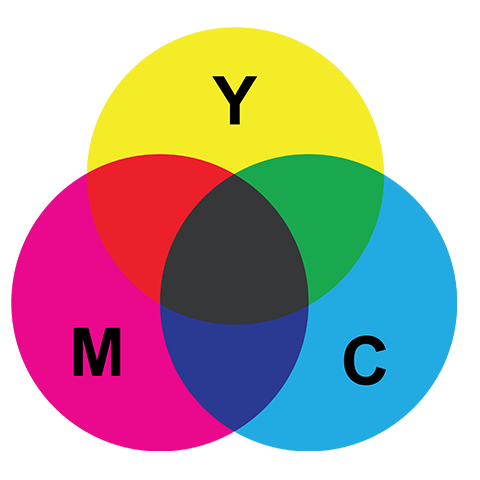
CMYK stands for Cyan, Magenta, Yellow and ‘Key’, or black. These are the ink colours used during the printing process.
What is RGB?
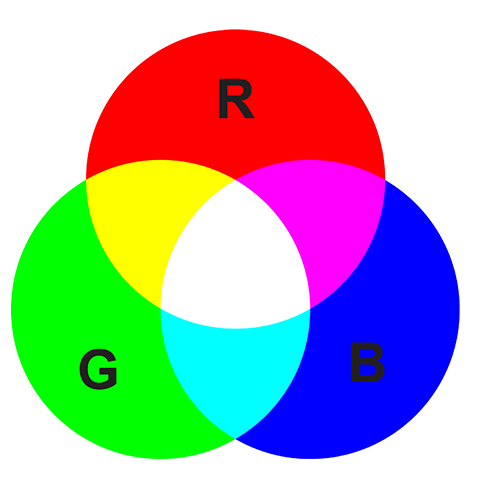
RGB stands for Red, Green and Blue. These are the colours of light used by your monitor to display your document on-screen. Black isn't listed because on-screen black is an absence of light. A mixture of red, green and blue light produces white.
How does this affect my design?
Printers don’t print in RGB. Designs created in RGB are converted to CMYK before printing, which can cause some colours – especially bright or highly saturated ones – to look different in print than they do on-screen.
Because screens can display a wider range of colours than printers can reproduce, these shifts are normal during conversion.

