

The copy style tool lets you match the font, size and colour of different text fields.
How to apply the same style
1
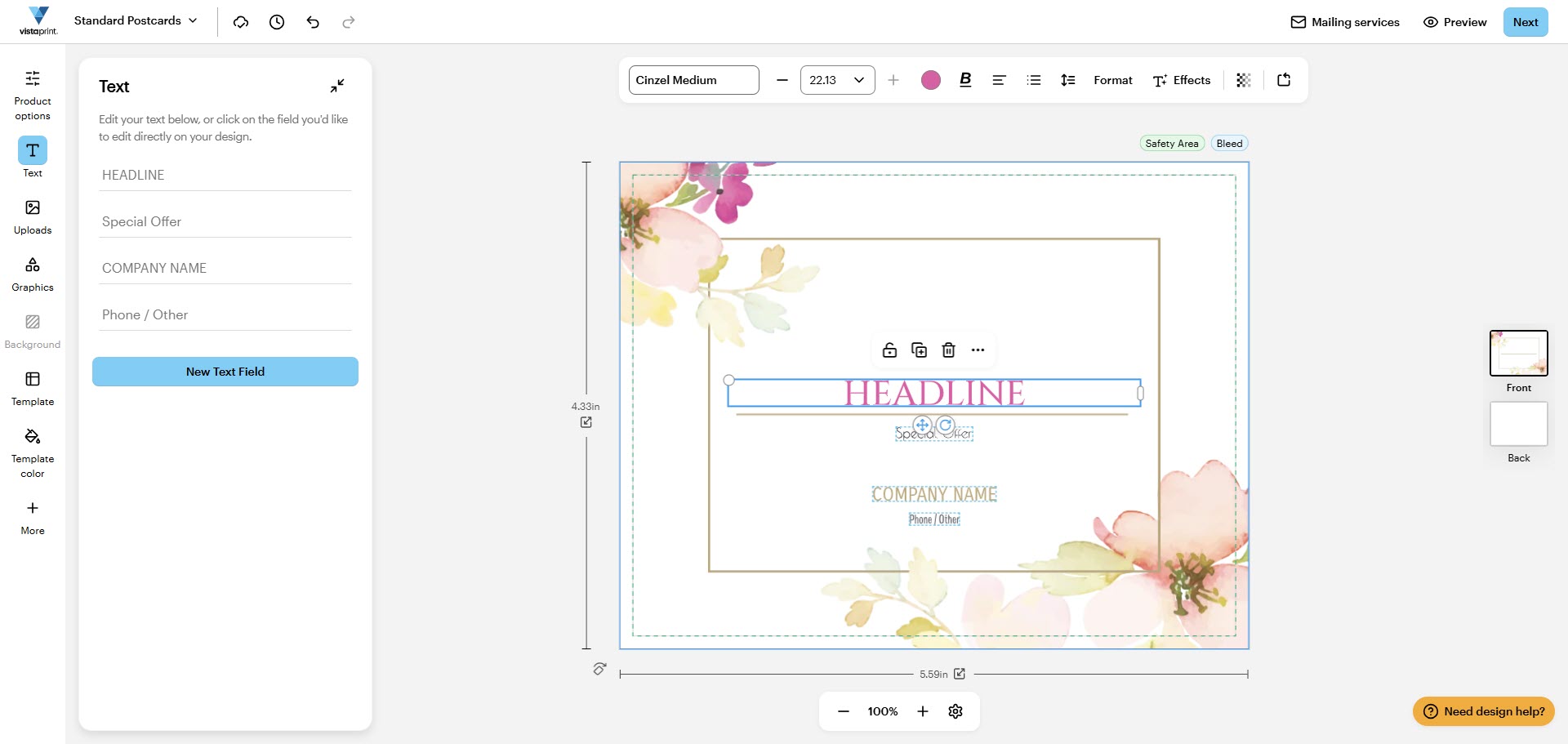
Select the source text
Find the text field that has the style you want to copy and select it in the studio.
2
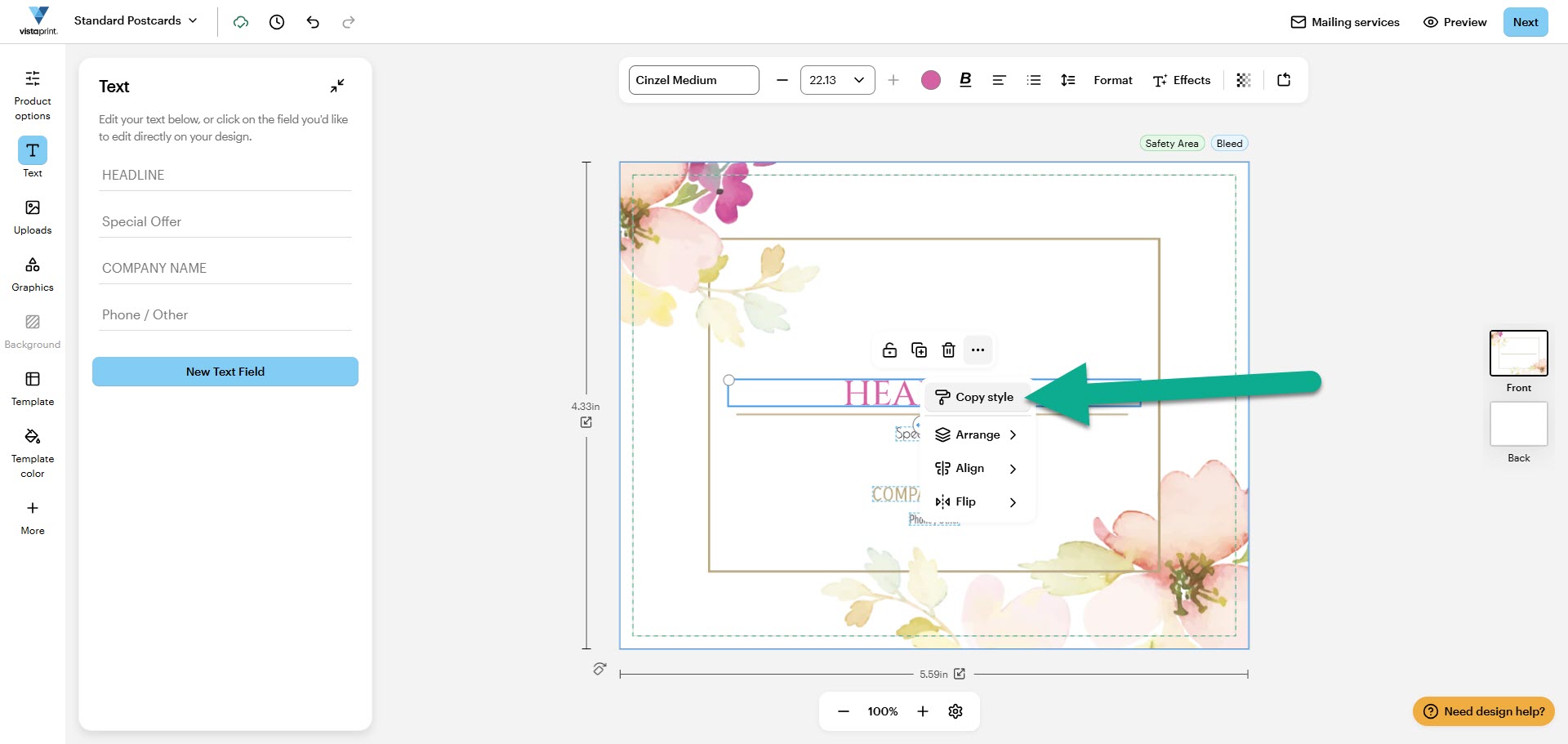
Copy the style
Select Copy style from the text field menu. On some devices, this option appears under More, represented by three dots.
3
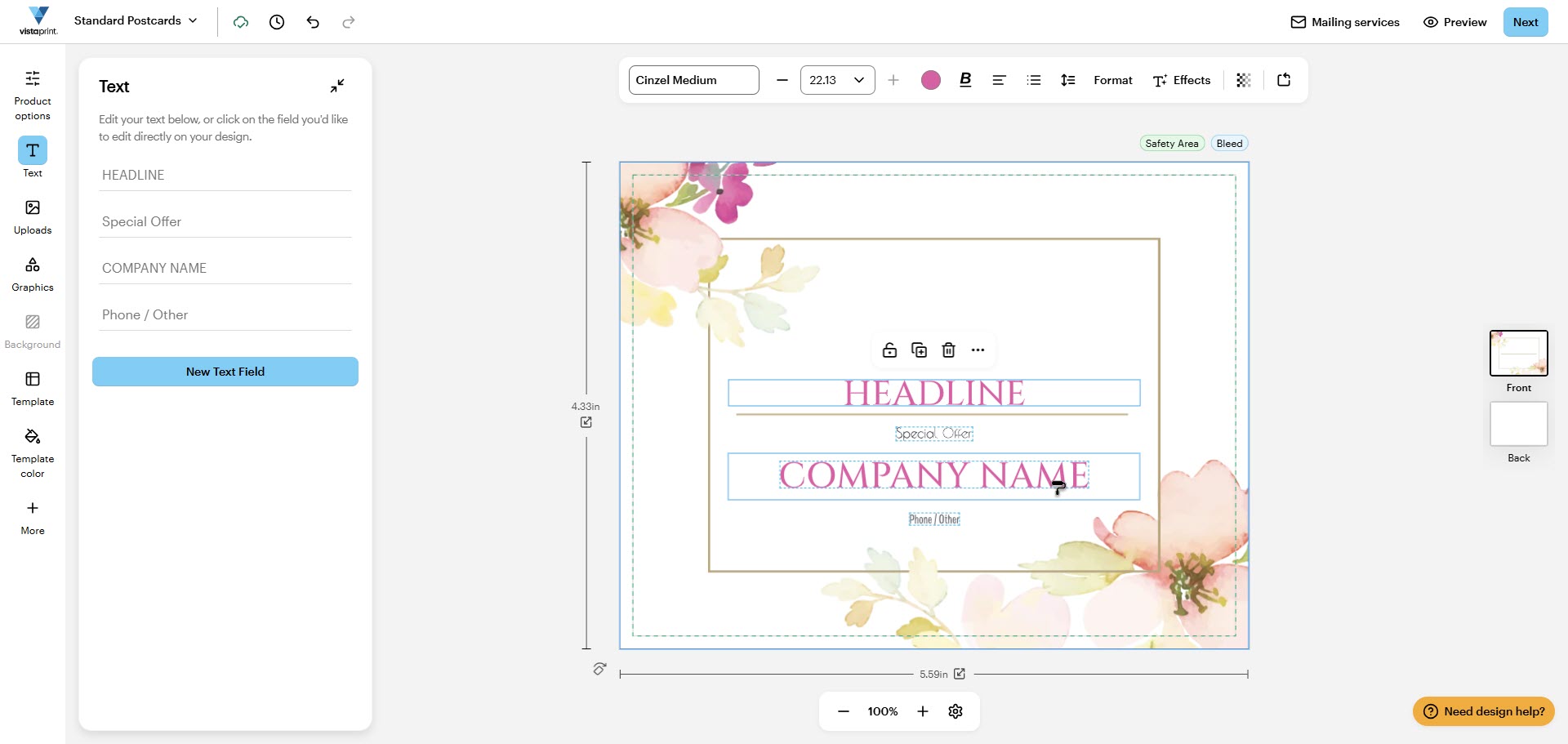
Apply the style
Select the text fields you want to format. The font, size and colour will update to match the source text.
Use keyboard shortcuts
You can also use keyboard shortcuts to copy and apply text styles.
Windows: Press Ctrl + Alt + C to copy and Ctrl + Alt + V to paste.
Mac: Press Option + Command + C to copy and Option + Command + V to paste.

