
Where are my designs saved?
Last updated 17 June 2026.
Guide
You can find your saved designs and previous orders in My Projects after signing in to your VistaPrint account.

How to find your designs

1

Sign in to your VistaPrint account
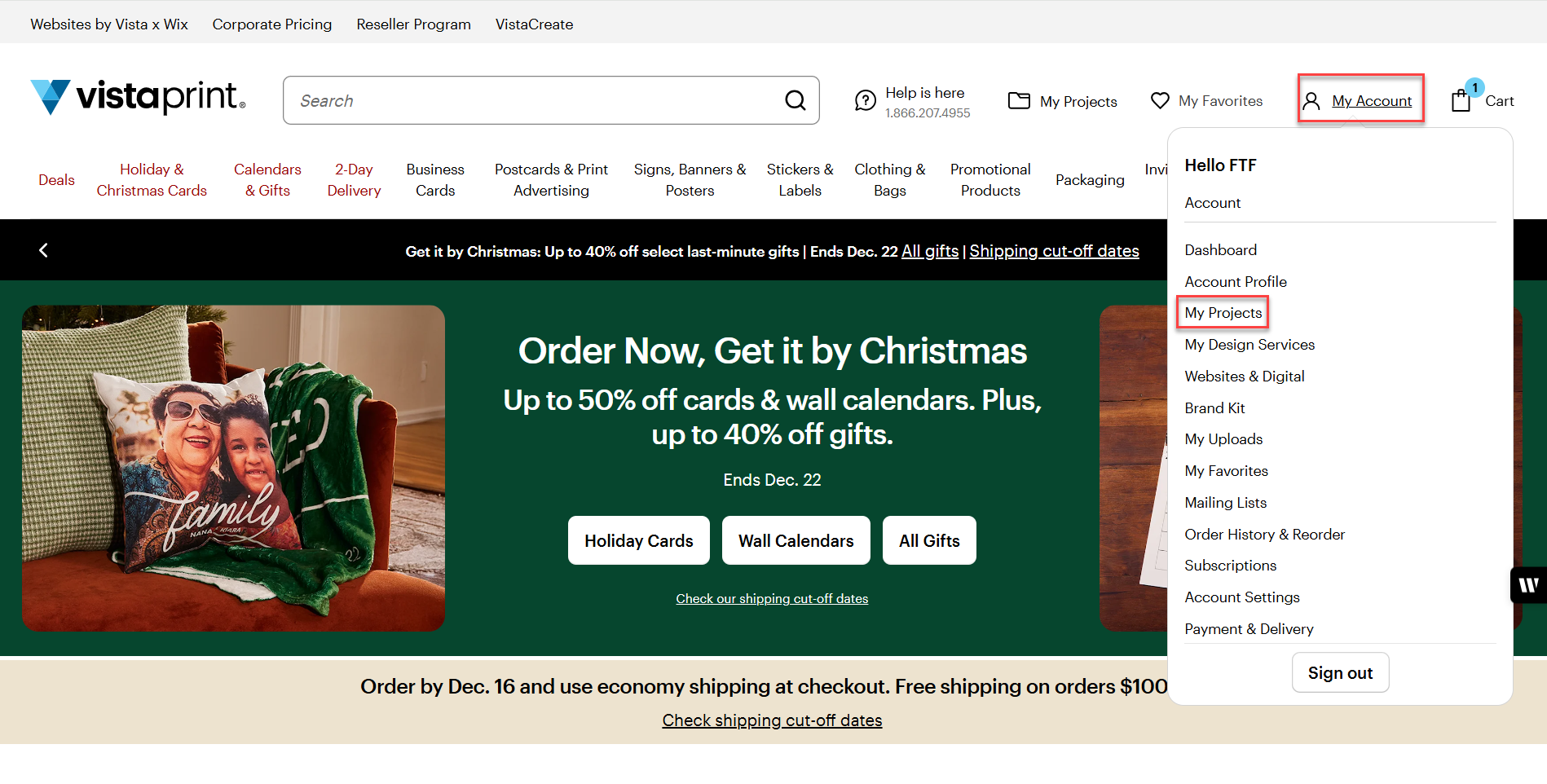
VistaPrint website homepage with the My Account menu open and the option ‘My Projects’ highlighted.
2

Go to My Account, then select My Projects

All saved designs and past orders will appear there.
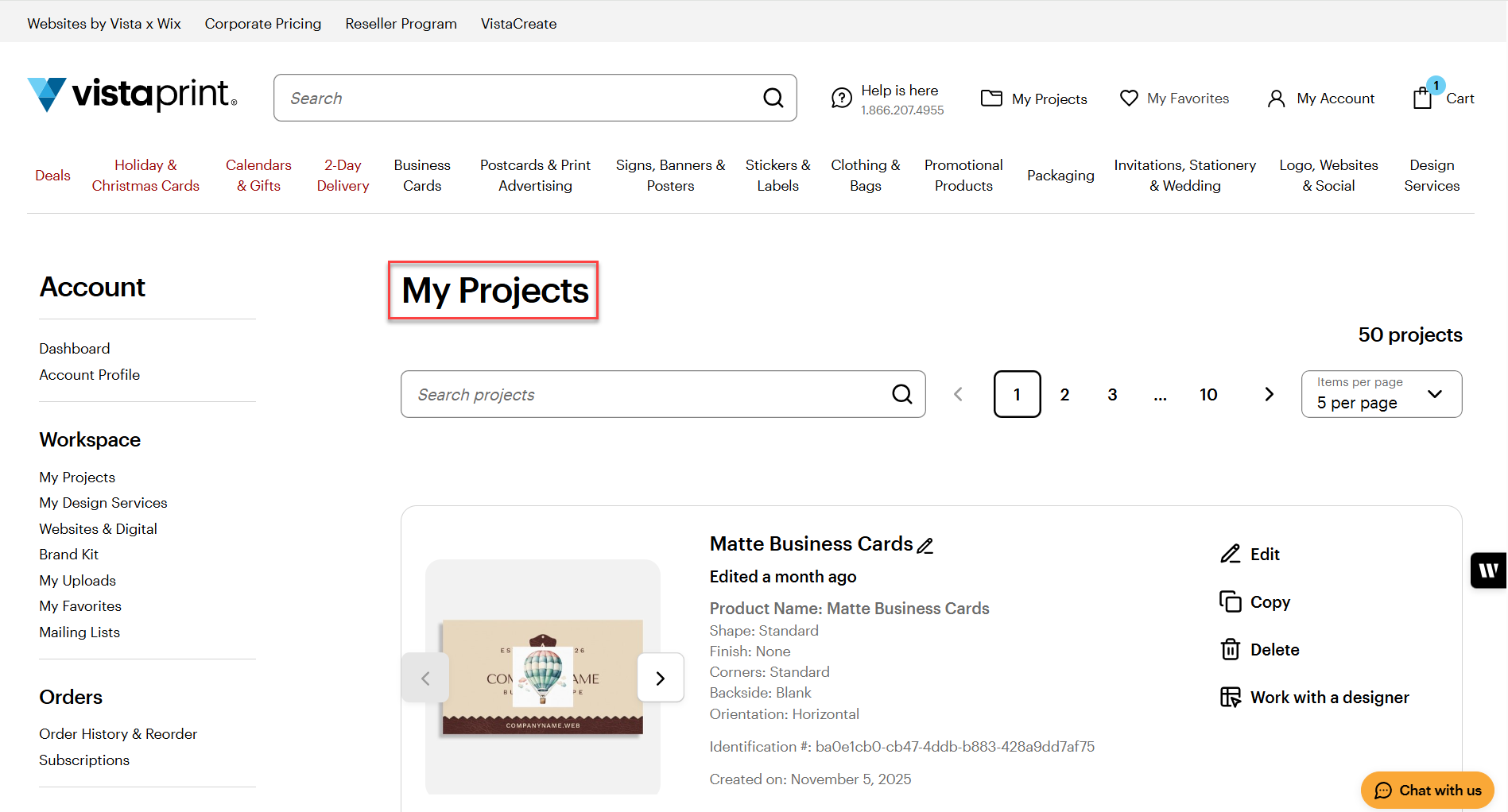
The ‘My Projects’ page on the VistaPrint site with an overview of designs created on the account.

Was this article helpful?
Learn how we use your feedback

Connect live with Customer Support

Need help?

Contact Us
