

In your VistaPrint account, we use the term ‘projects’ instead of ‘documents’.
Making a copy lets you test changes or customise the same design for different people without affecting the original. You can repeat this process as many times as needed.
Follow these steps to copy a project
1
Save your project
2
Select My Projects
If you haven't signed in, you'll see a prompt to do so.
3
Find the project you want to copy
You can use the search function to find your project. This is especially helpful if you have a lot of projects.
4
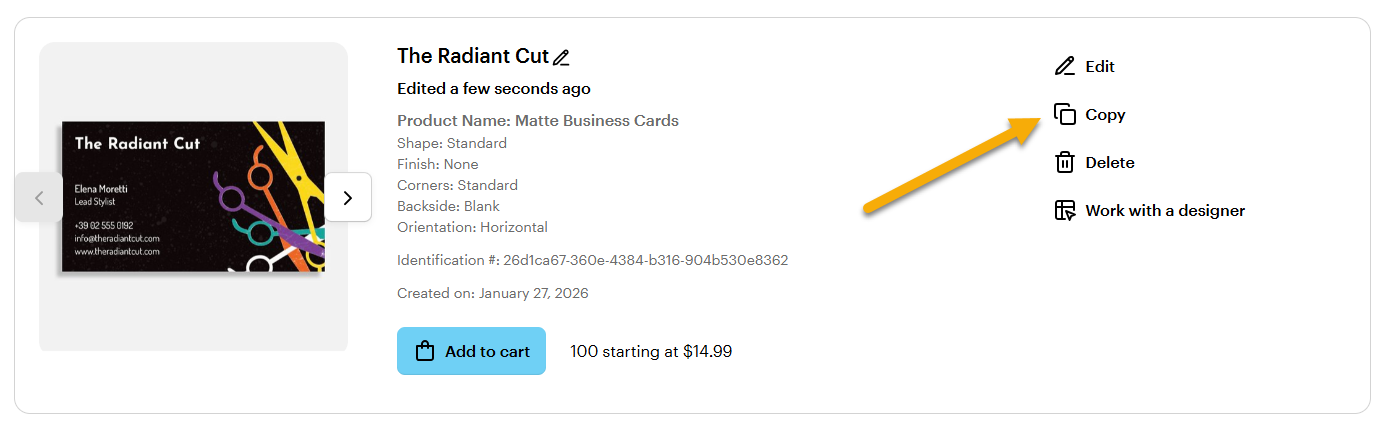
Select Copy
To copy your project, select the Copy option from the list on the right.
5
Name your project
6
Select Copy
You have now successfully copied your project. Your new project is saved to My Projects. Select Edit to make changes.

