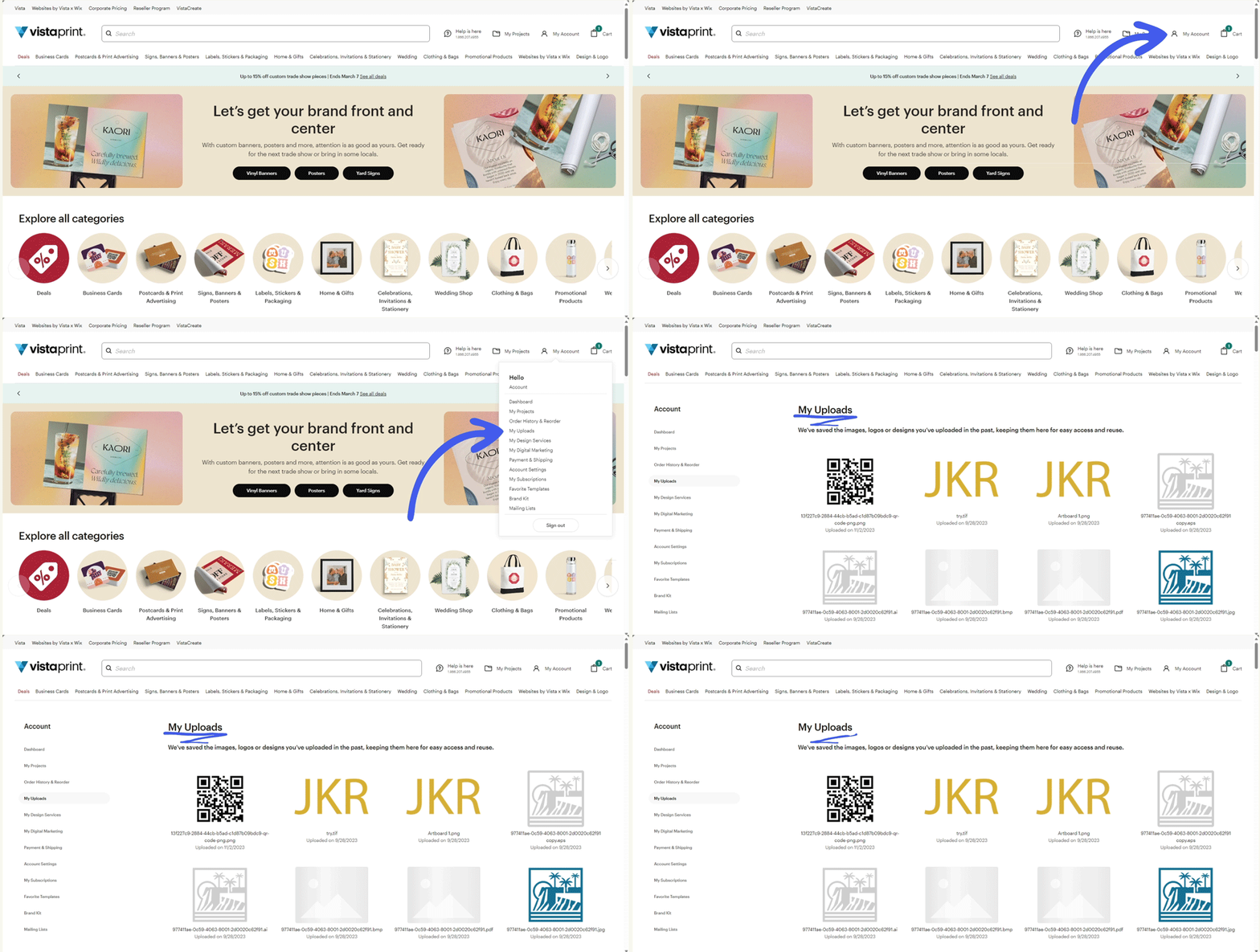
Steps to find your images
1
Open your account
Go to My Account (person icon) in the top-right corner of the VistaPrint website.
2
Go to My Uploads
From the account menu, select My Uploads to find all the images and files you've uploaded. Select an image to view details or delete it.