

Our image library includes professional photos, icons and illustrations. You’ll find the library in the VistaPrint Studio.
1
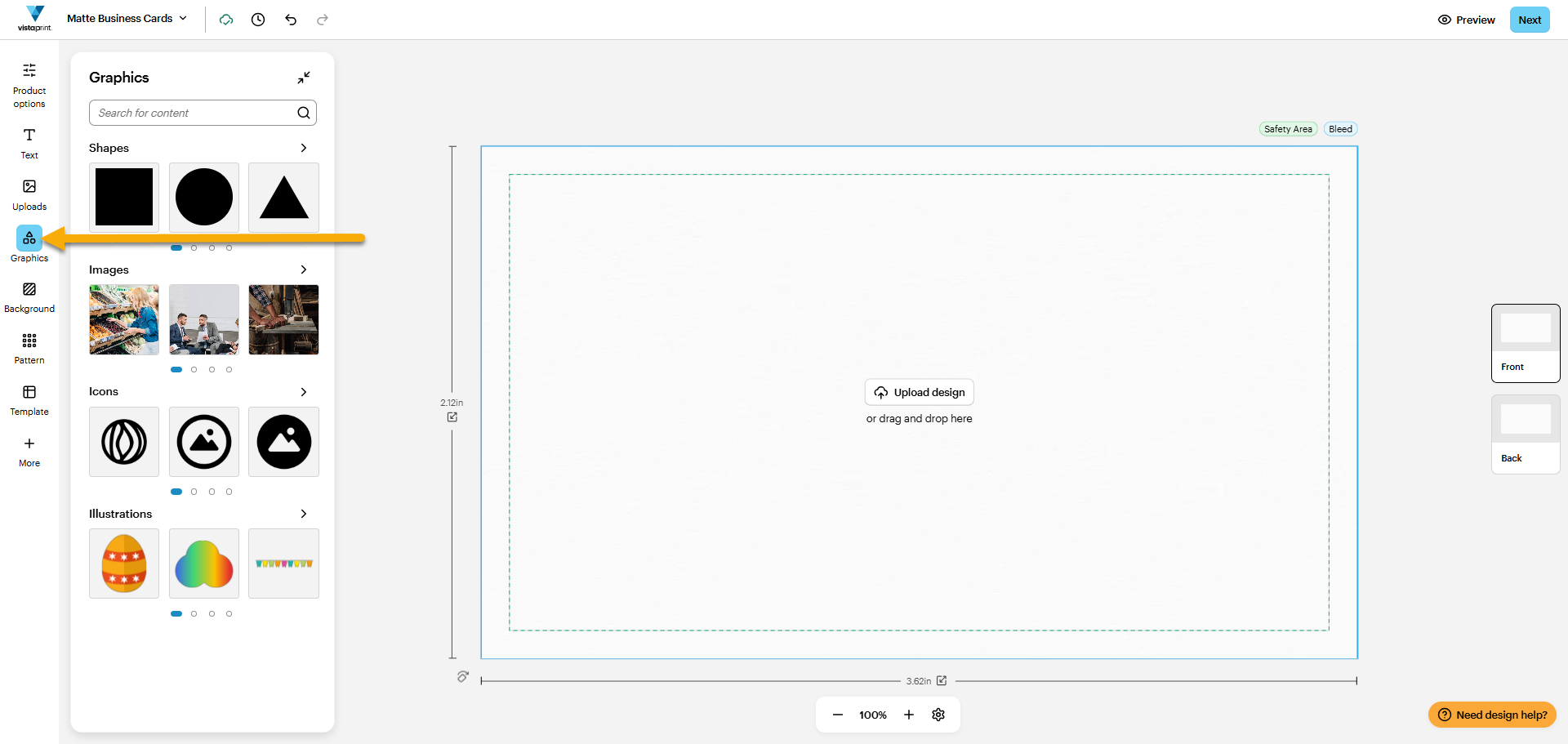
Select Graphics
You’ll find Graphics in the toolbar on the left. Once you select Graphics, the Graphics menu pops up.
2
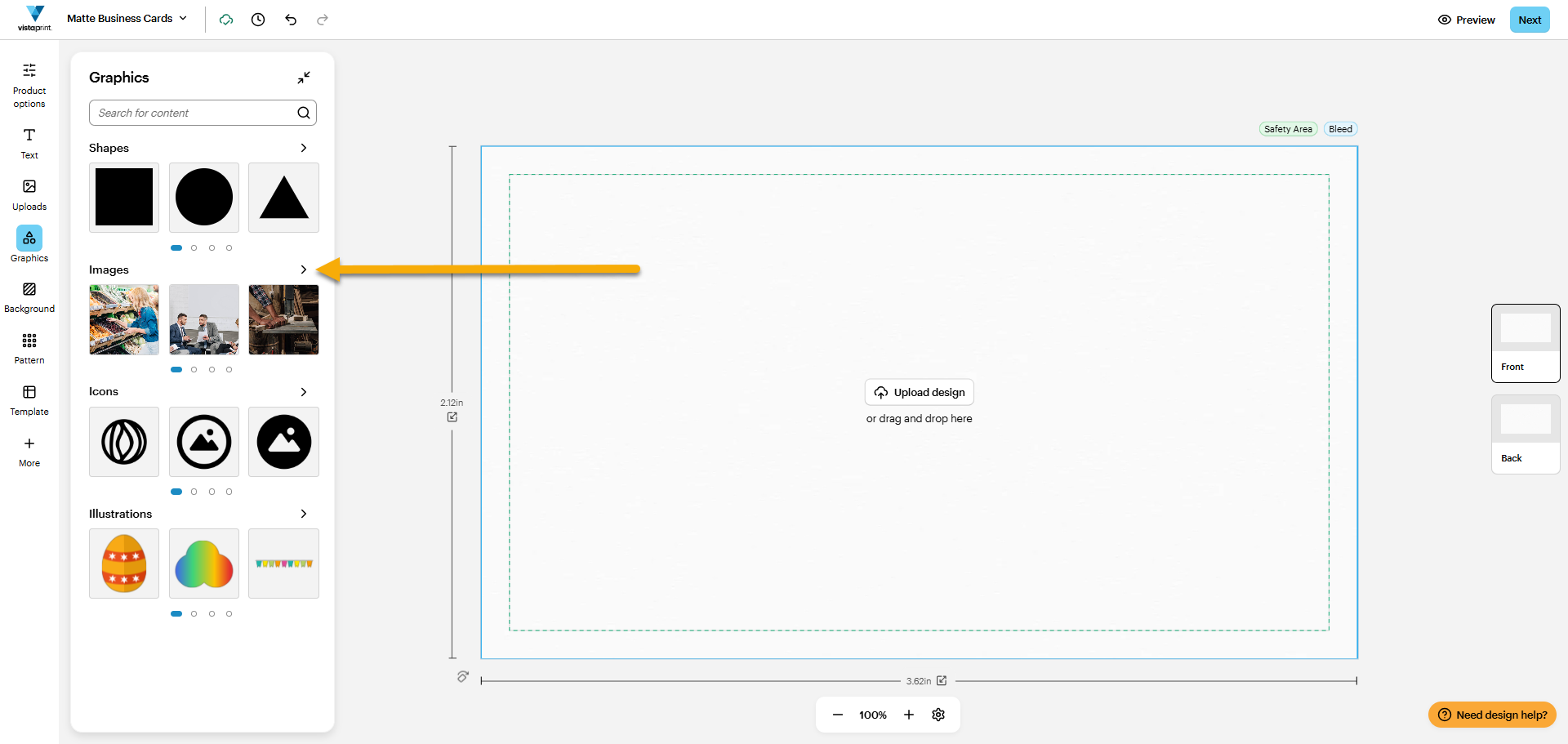
Choose the graphic type
We offer four graphic types:
Shapes
Images
Icons
Illustrations
You can review and select them directly from the Graphics Menu. To browse them all, select the arrow icon on the right of the graphic type.
With Images, we have an advanced search option where you can browse images by keyword, orientation and colour.
3
Add graphic
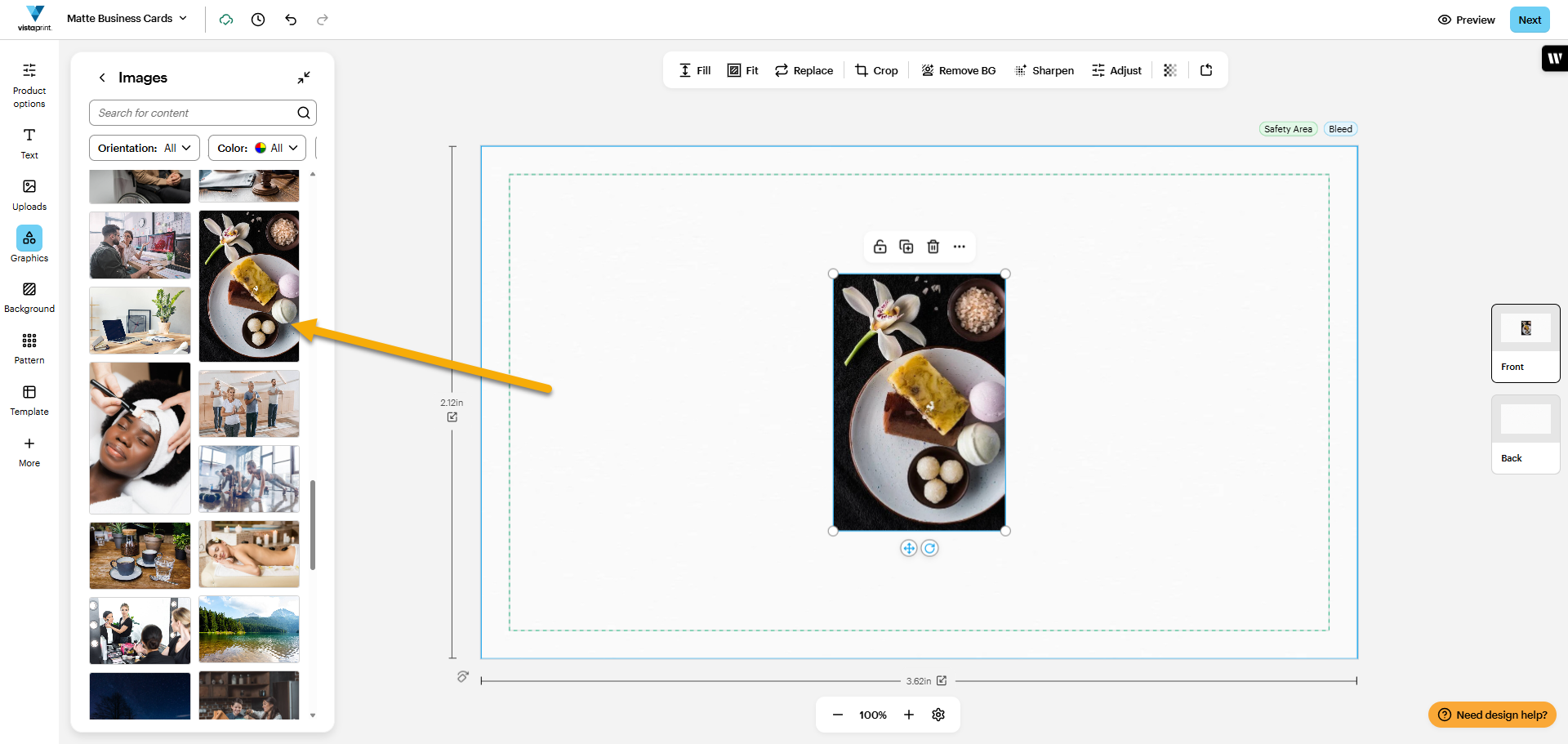
To add a graphic to your design, select it or drag it into place.
There’s no limit on how many shapes, images, icons and illustrations you can add from our library.

