

To find and place digital stickers onto your calendar, follow these steps:
1
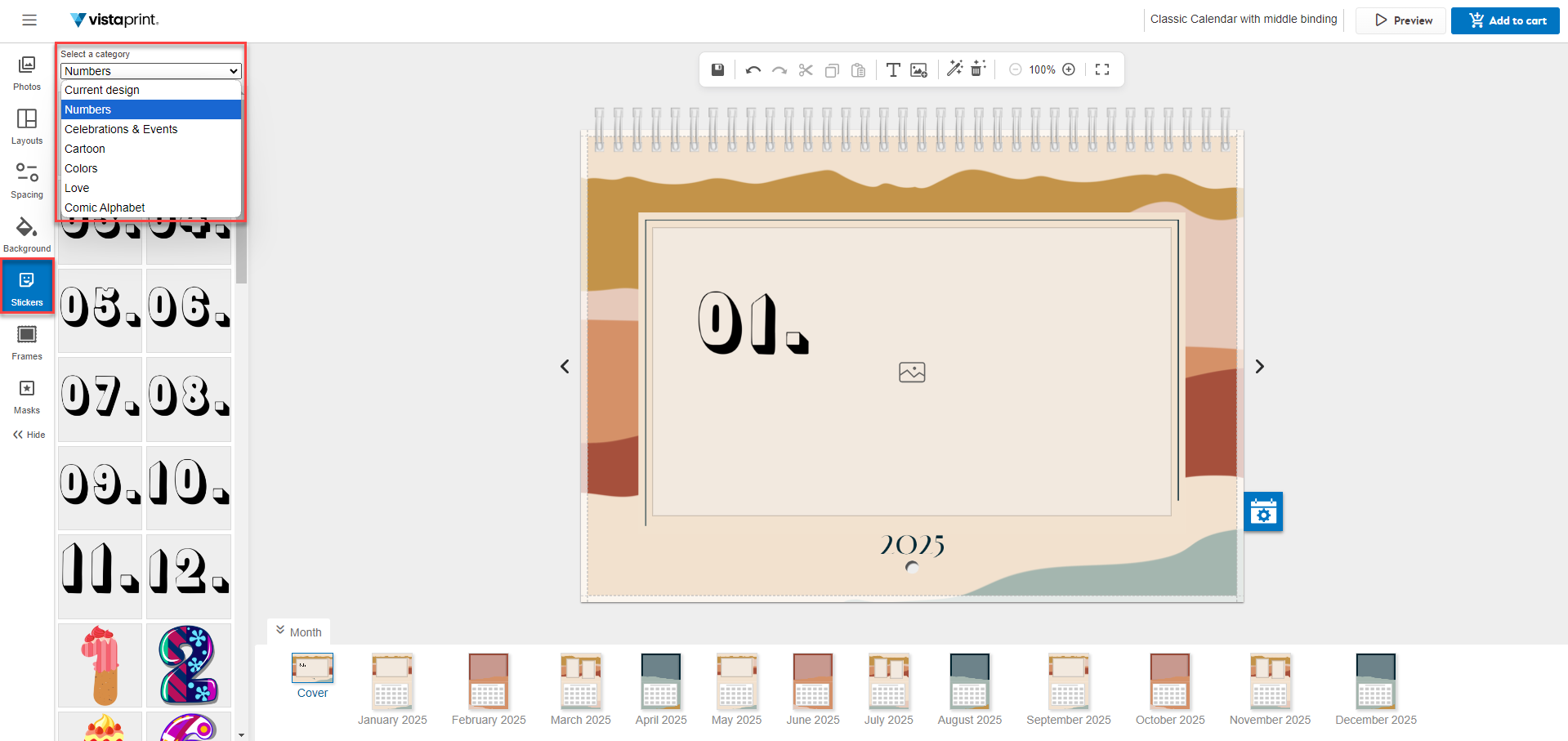
Open the stickers menu
Open the Stickers tab from the menu on the left-hand side of the calendar studio.
2
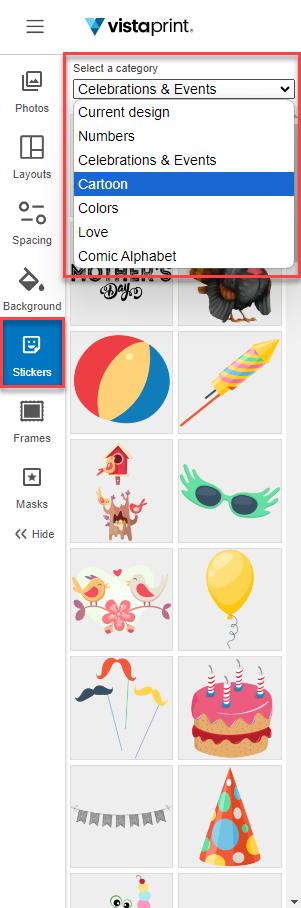
Choose a category
Select a category from the menu to find artwork that matches your event.
3
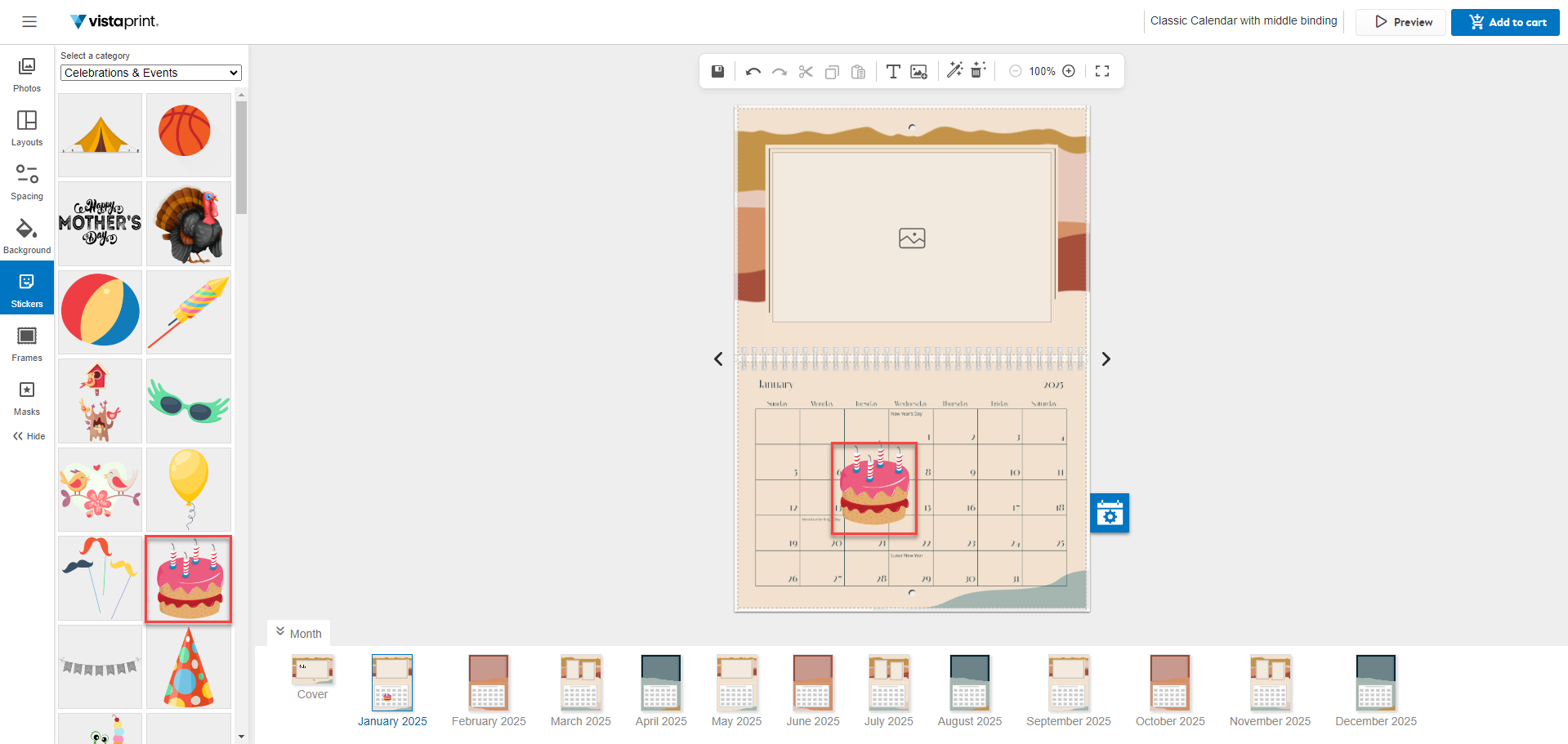
Select your sticker
Find the month or page you want to decorate. Select a sticker to add it to the page.
4
Adjust the size and position
Select and drag the handles at the corners of the sticker to change the size, then drag the sticker to the specific date or location on the page.
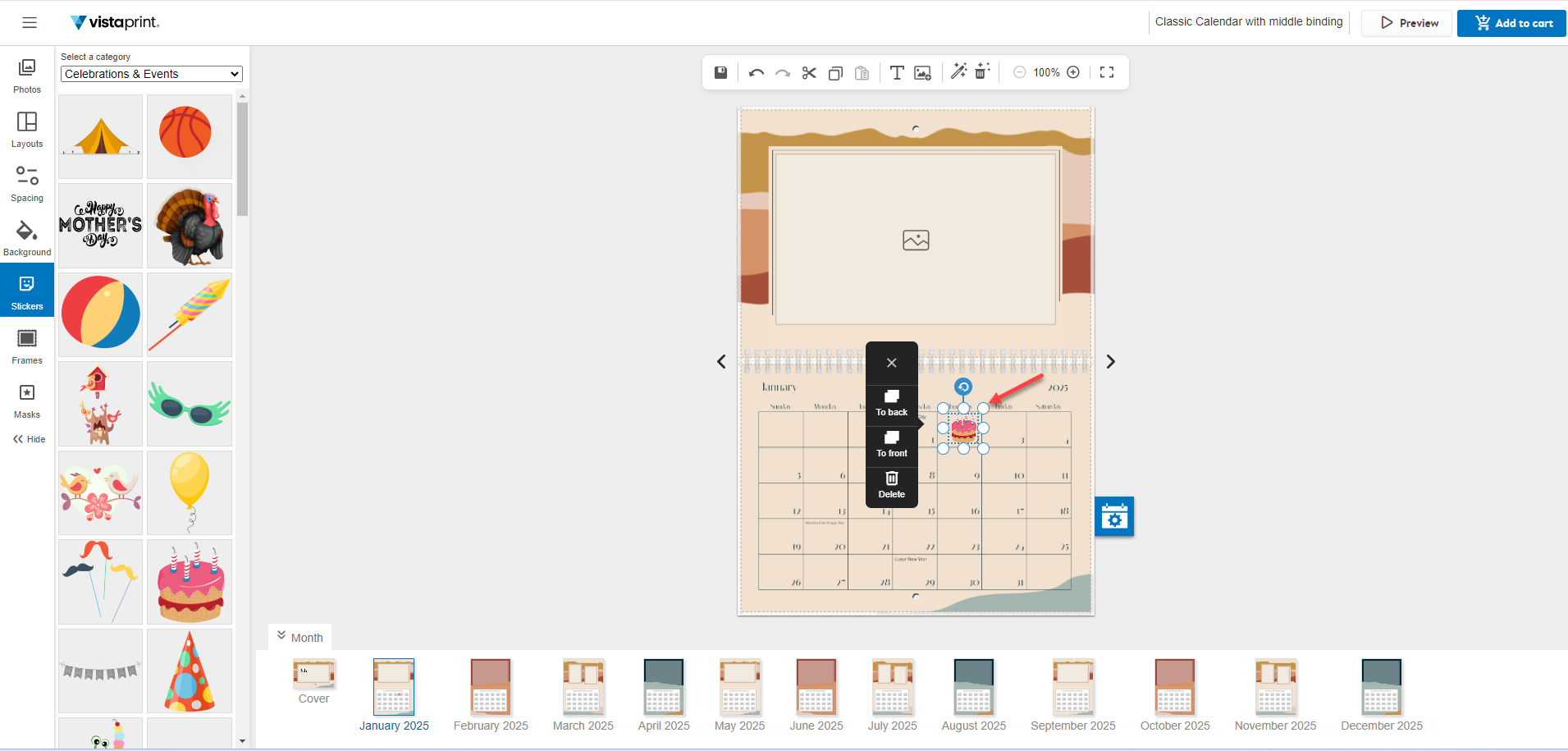
You can place a sticker anywhere on the calendar.

