What does the status of my order mean?
Last updated 17 June 2026.
Your order status shows where your order is in the process and updates as it moves forward.

Common order statuses

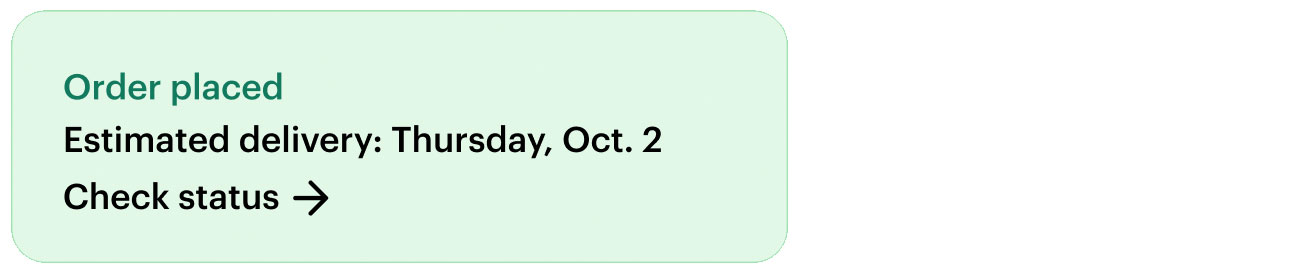
  • Order placed: Your order has been successfully submitted and is now in the system.

    Order placed with an estimated delivery date. Select to check order status.
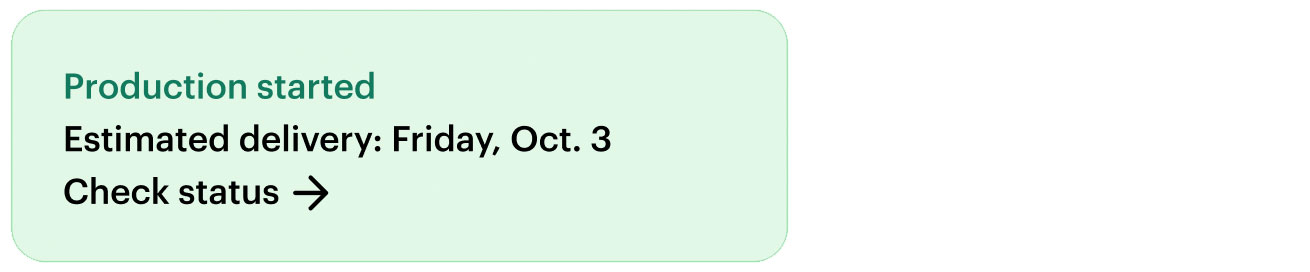
  • Production started: Manufacturing or preparation of your order has begun.

    Production started with an estimated delivery date. Select to check order status.
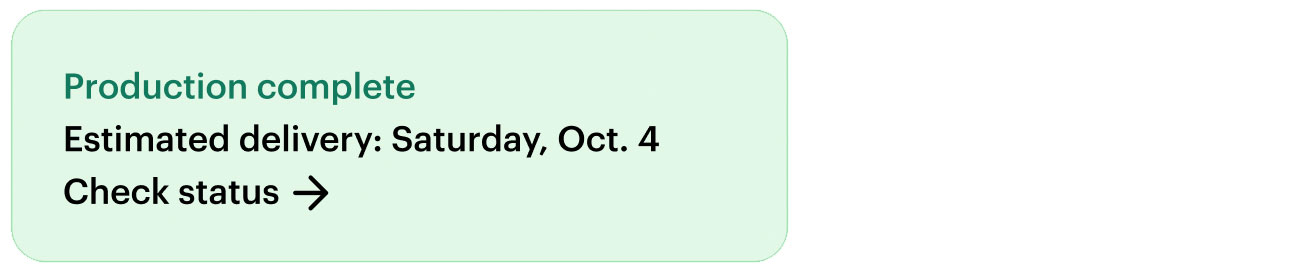
  • Production complete: Production is finished and your order is getting ready to ship.

    Production complete with an estimated delivery date. Select to check order status.
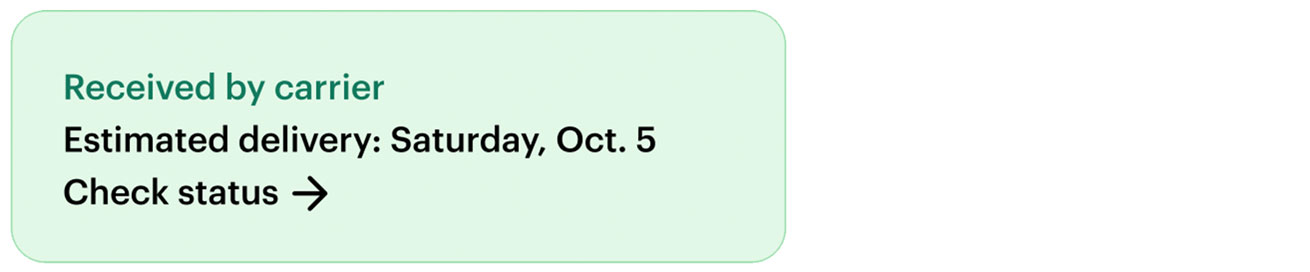
  • Received by carrier: The carrier has picked up your order for delivery.

    Received by carrier with an estimated delivery date. Select to check order status.
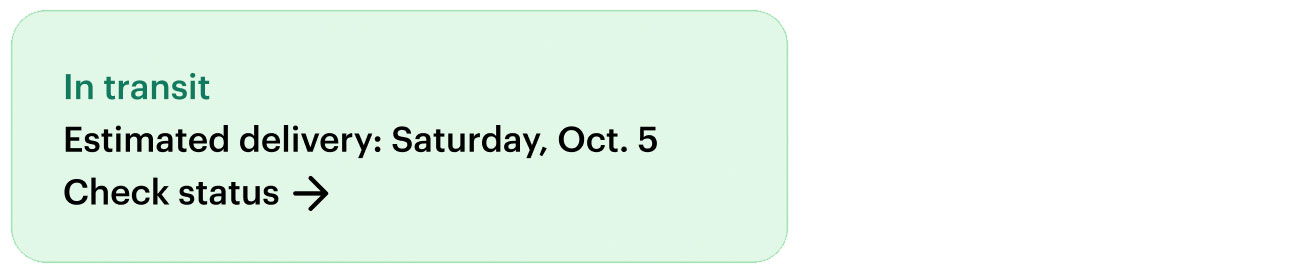
  • In transit: The order is on its way, and you can track its movement.

    In transit status icon with an estimated delivery date. Select to check order status.
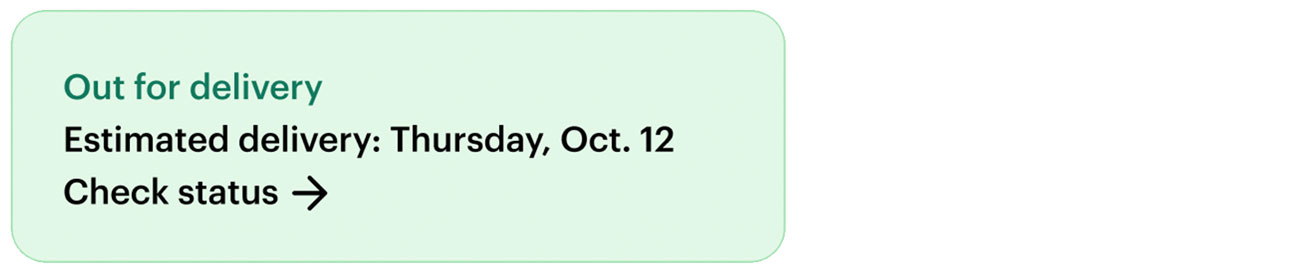
  • Out for delivery: The package is in the final stages of the delivery process and will arrive soon.

    Out for delivery status icon with an estimated delivery date. Select to check order status.
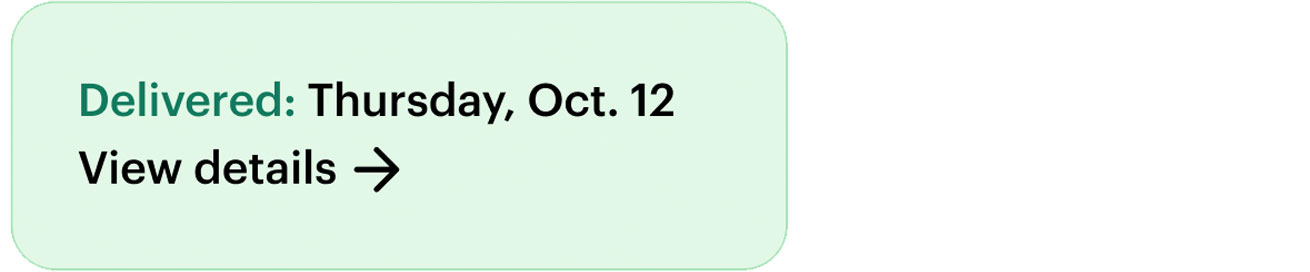
  • Delivered: The order has been successfully delivered to the provided address. You can access the details of the delivery for the first 90 days after the delivery took place.
    Delivered status icon with an estimated delivery date. Select to check order status.

Special cases 

  • Multiple packages: If your order includes multiple items, it may be shipped in separate packages. Each package will have its own tracking number, allowing you to monitor the status of each shipment individually. Select each package to access its delivery status.

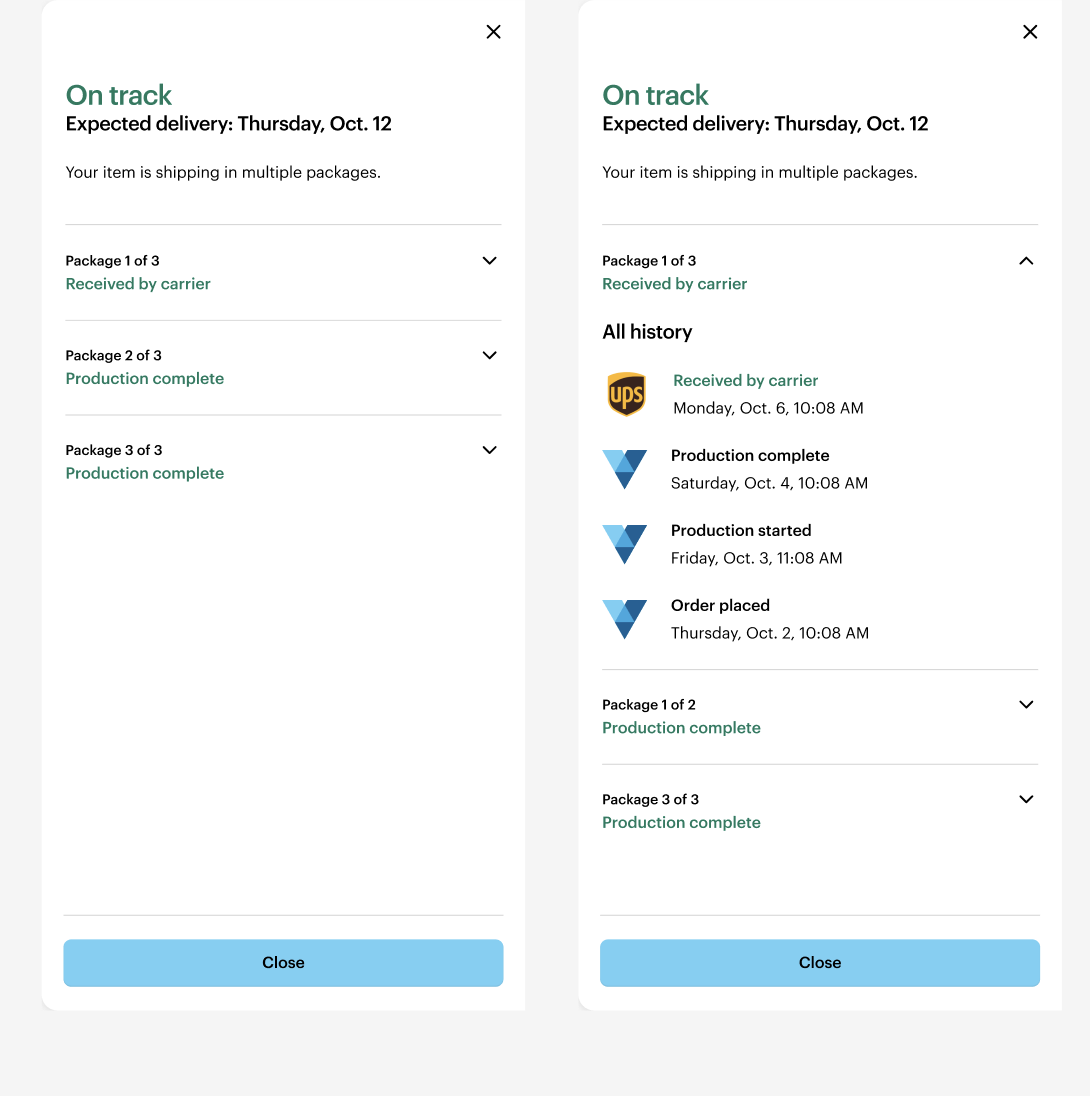
    Multiple packages tracking interface with an estimated delivery date. Select to check order status.
    Order tracking modal showing an ‘On track’ status with expected delivery. The order is shipped in multiple packages, each with its own status, and packages can be expanded to view individual tracking and delivery progress.

Delays

  • Delivery delay: Your delivery may arrive later than expected. We're monitoring the situation and will update your estimated delivery date.

    Delivery delay with an estimated delivery date. Select to check order status.
  • Production delay: Production is taking longer than expected. We're working on it and will update you as soon as possible.

    Production delay with an estimated delivery date. Select to check order status.
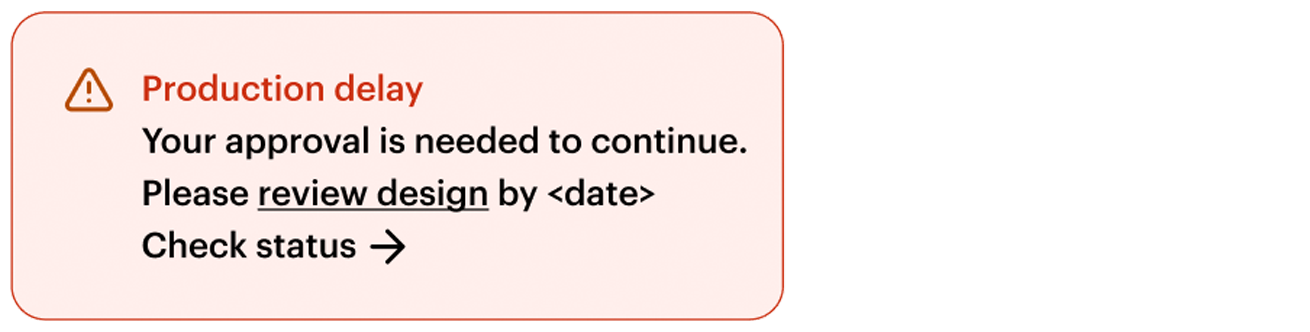
  • Approval needed: If we need to change the design of your product for quality reasons, we may ask you to review and approve the new design. The product cannot go into production until you provide approval, which could cause a delay.


    Warning banner labelled ‘Production delay’ stating that approval is needed to continue, asking the user to review the design by a specified date. Select to check status.

Was this article helpful?
Learn how we use your feedback

Connect live with Customer Support

Need help?

Contact Us