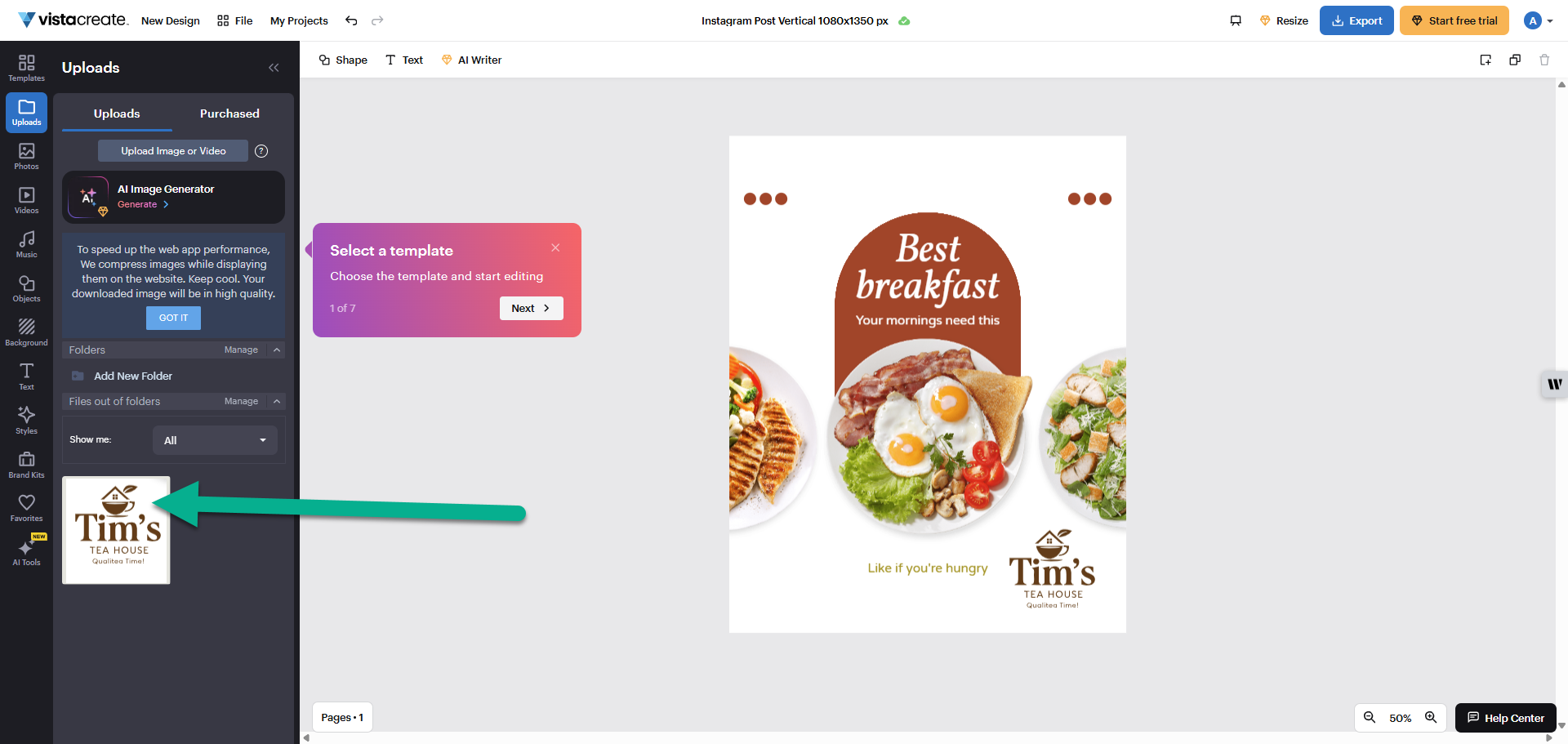
Downloaded design files are static images. While you can add new elements around them, you cannot edit the original text, colours or icons within the uploaded file.
How to use your files in VistaCreate
1
Download your finished logo design
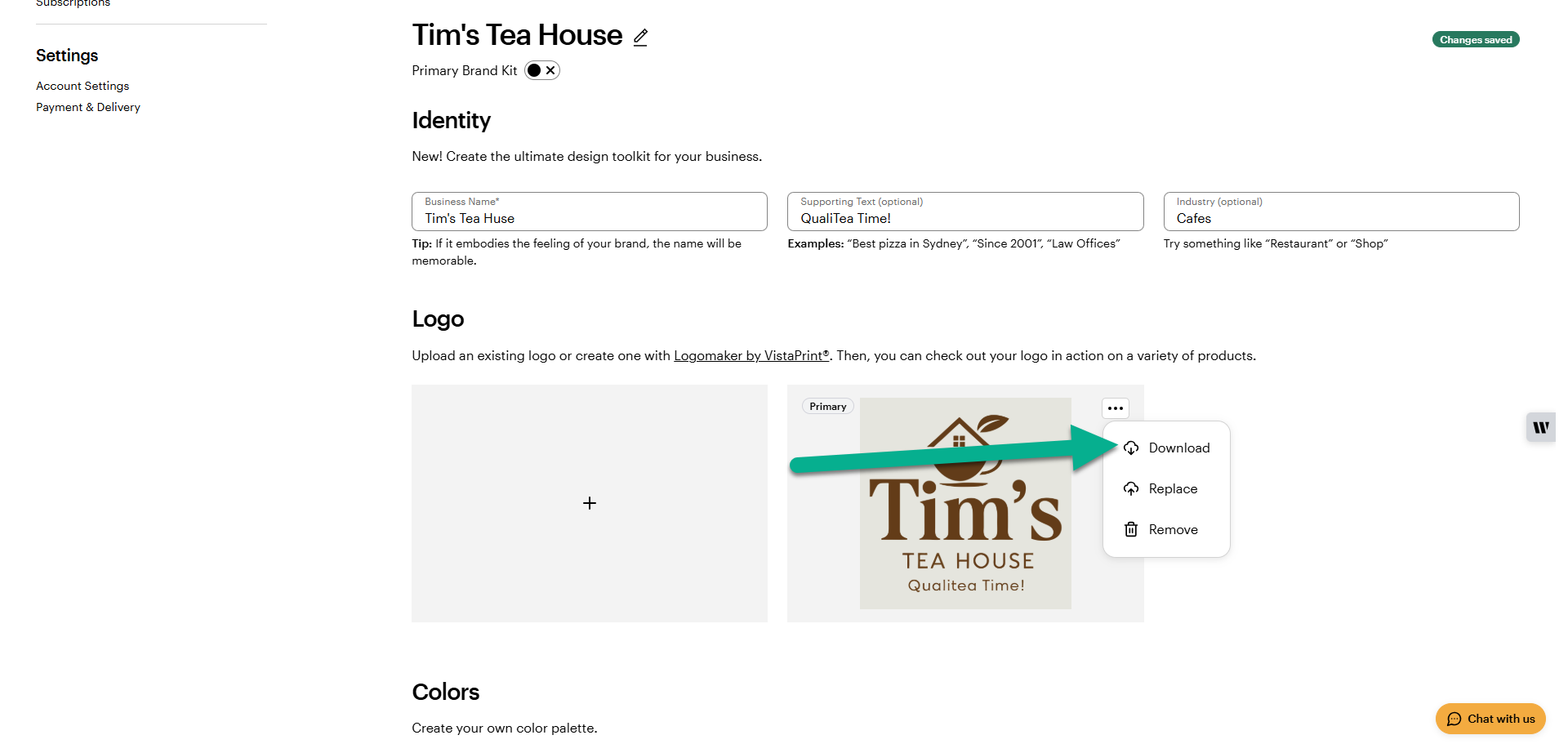
Go to the Logo section in your Brand Kit or find your project in My Design Services. Select your logo and choose Download from the three-dot menu or download it directly from the Logomaker tool.
2
Open your VistaCreate project
Start a new design or open an existing project in the VistaCreate editor.
3
Upload your image
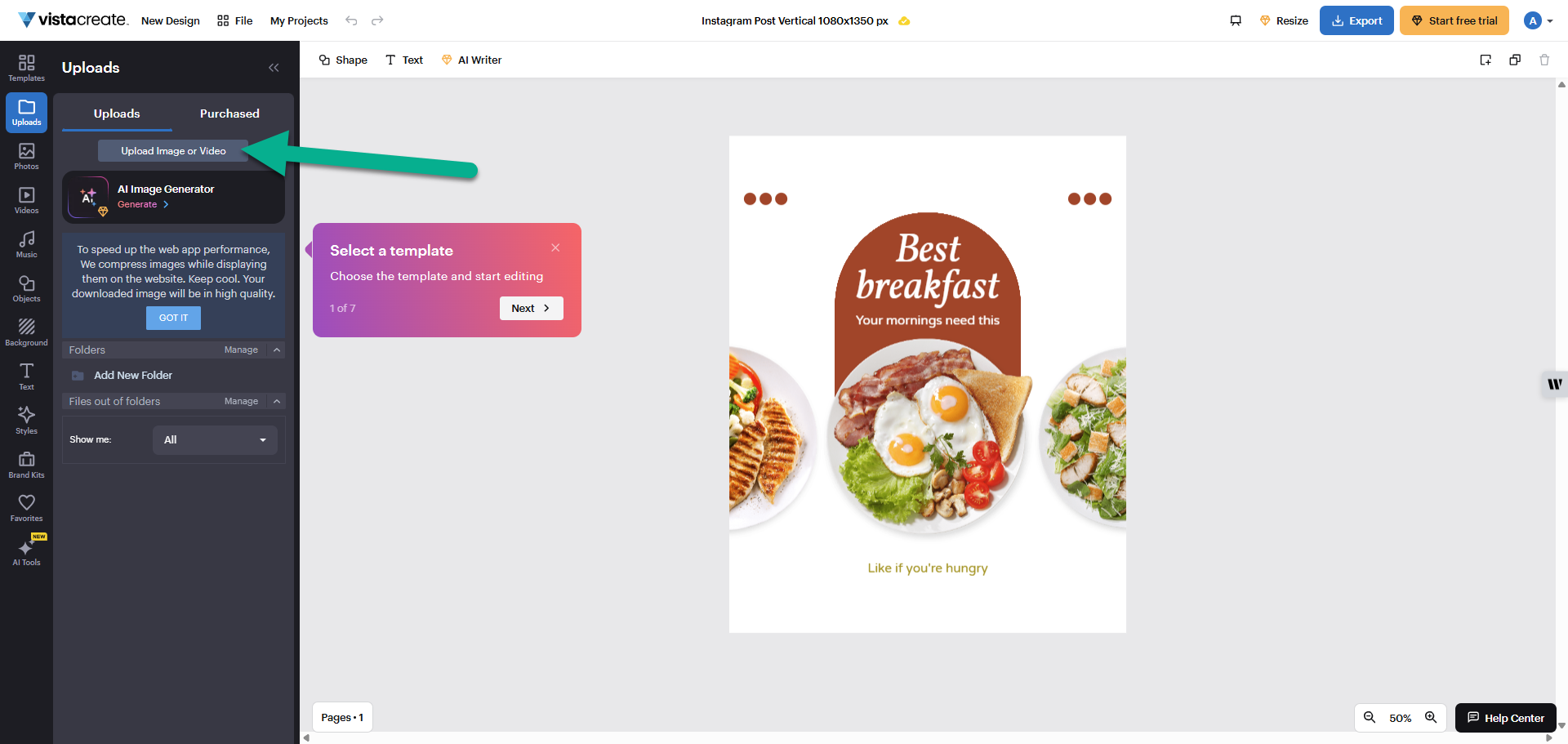
Open the Uploads tab and select Upload Image or Video. Choose the logo file you downloaded from your computer or device to add it to your VistaCreate library.
4
Add the logo to your canvas
Select your uploaded logo file from the library to place it onto your design canvas.