
How do I use the Vista x Wix Plus service?
Last updated 17 June 2026.
Guide
If you have an active Vista x Wix Plus subscription, you can access the service from Websites and Digital in your account by selecting Manage projects under your site.

How to access the service

1

Go to your digital workspace

Go to My Account and select Websites and Digital.
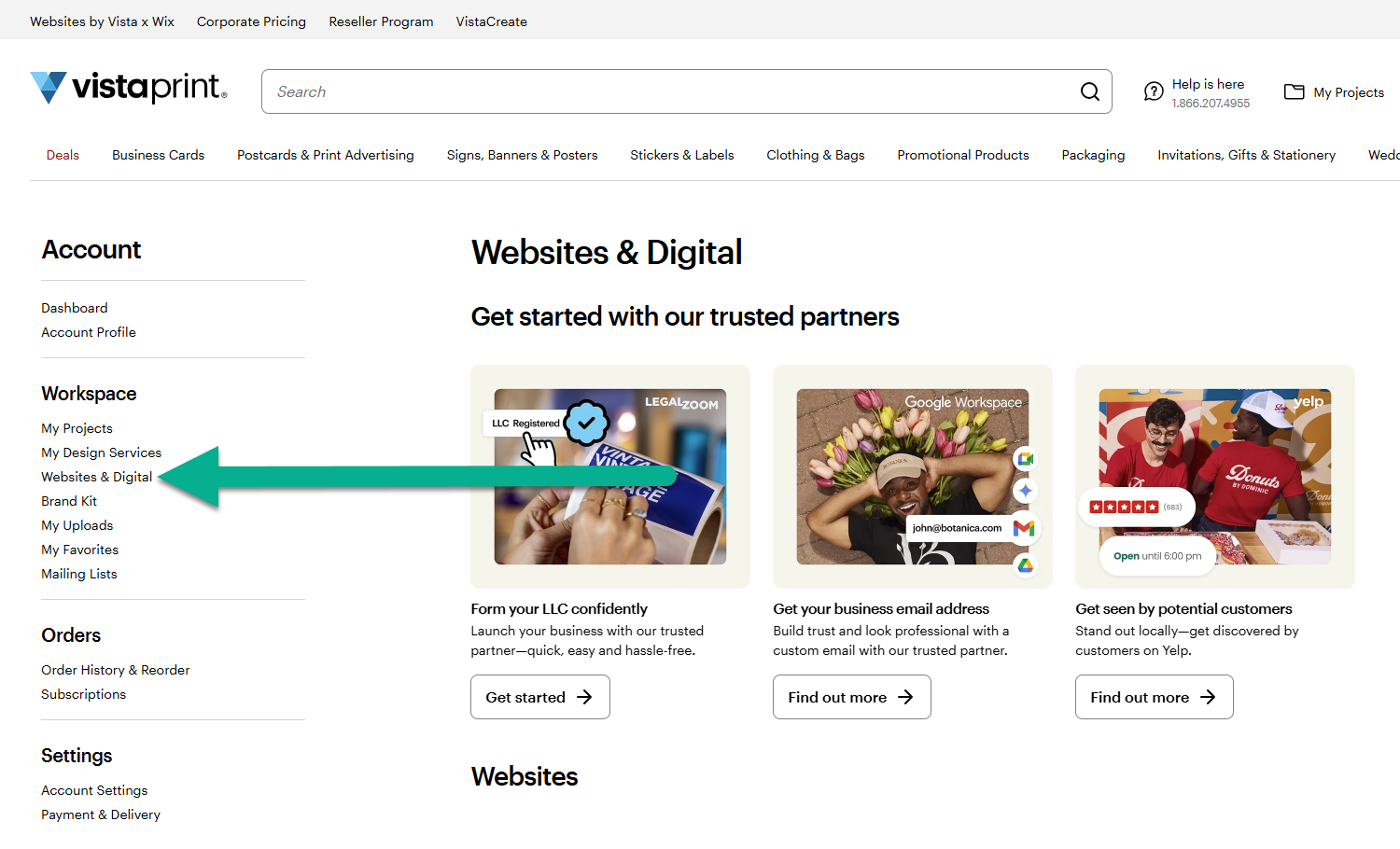
The Websites & Digital menu option is selected within the Workspace section of the VistaPrint account navigation sidebar.
2

Select Manage Projects

Under the Vista x Wix Plus section, find the website with your existing subscription. Select Manage projects. This will take you directly to the Vista x Wix dashboard where you can use the service.
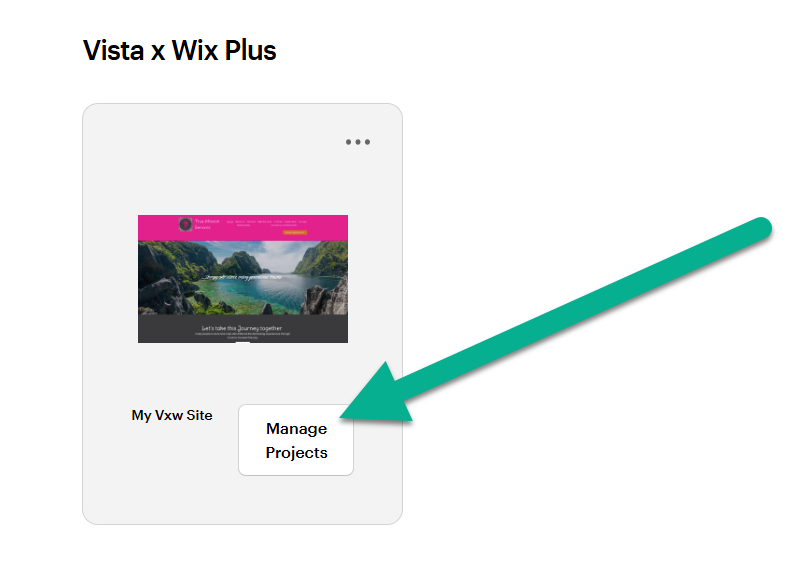
A Vista x Wix Plus project card displays a website preview and a Manage Projects button.

Was this article helpful?
Learn how we use your feedback

Connect live with Customer Support

Need help?

Contact Us
